WeebPaint
WeebPaint is a free, account-less, lightweight, nimble drawing app.
Standalone version: Download the html file → Double click → Draw
Install on iPad: Open https://weebpaint.com/ → Tap Share → Add to Home Screen
Latest Update: https://weebpaint.com/
Source Code, Bug Reports and Nightly Builds: https://github.com/fangzhangmnm/weebpaint
Nimble but capable
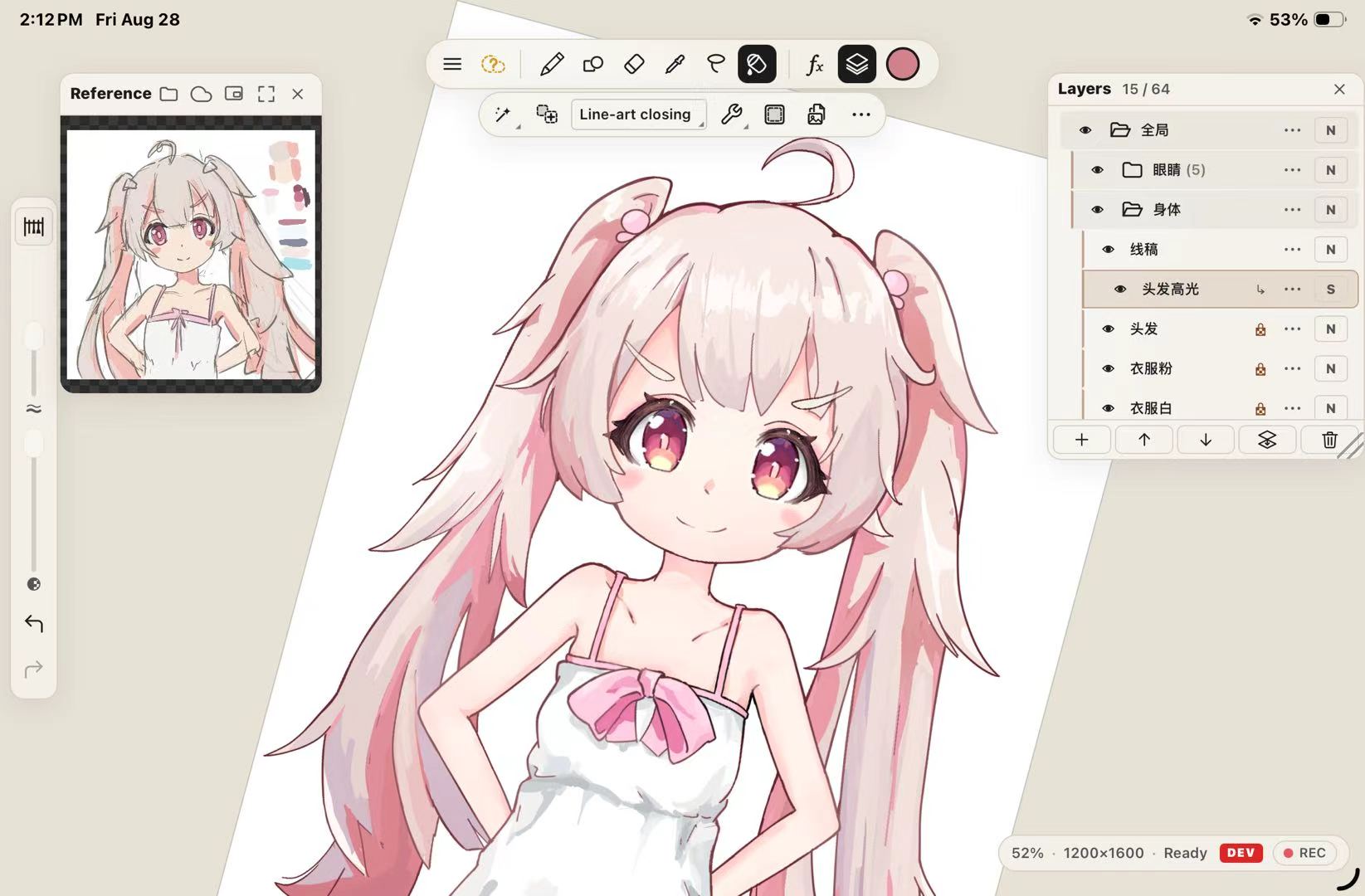
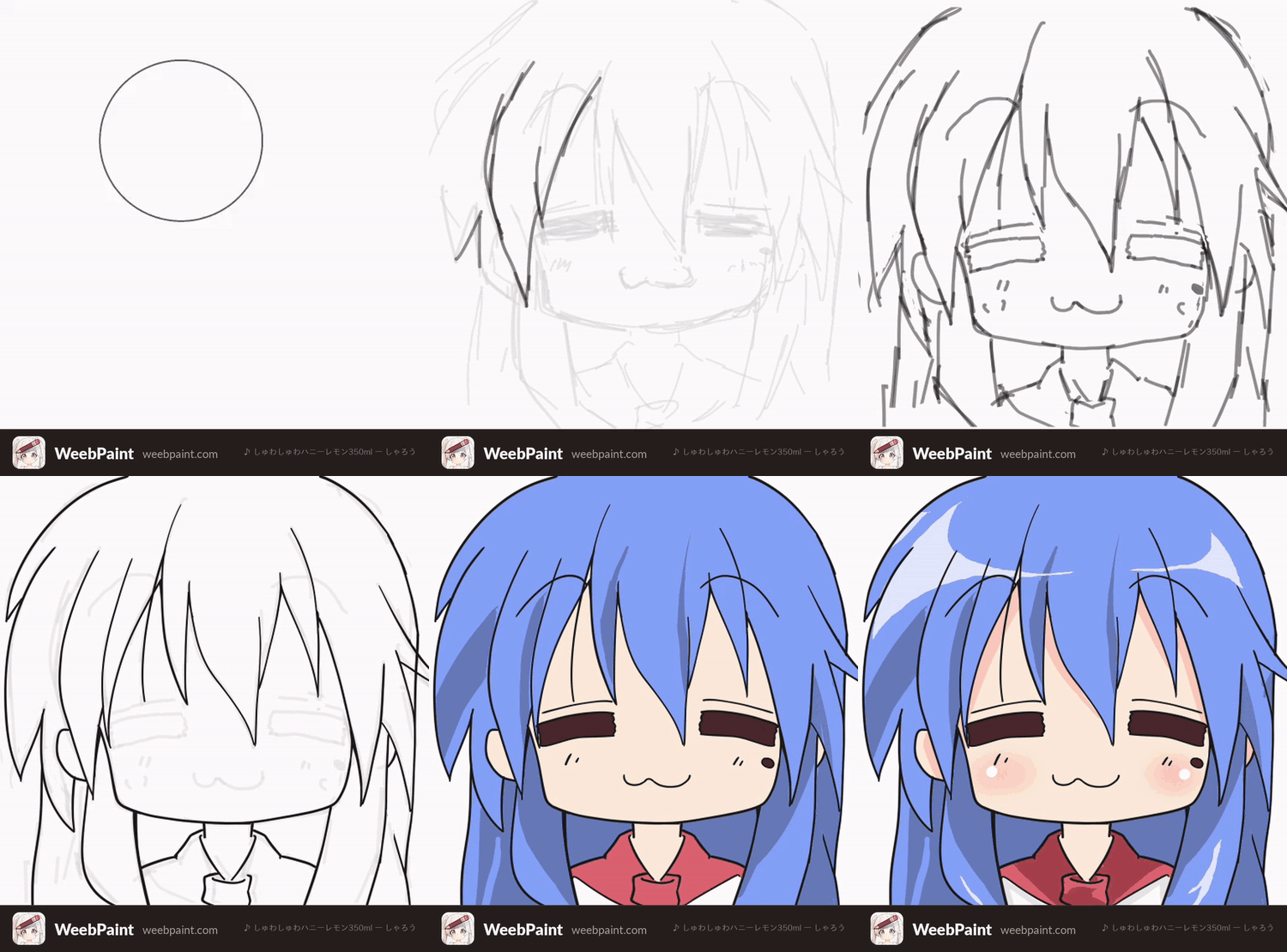
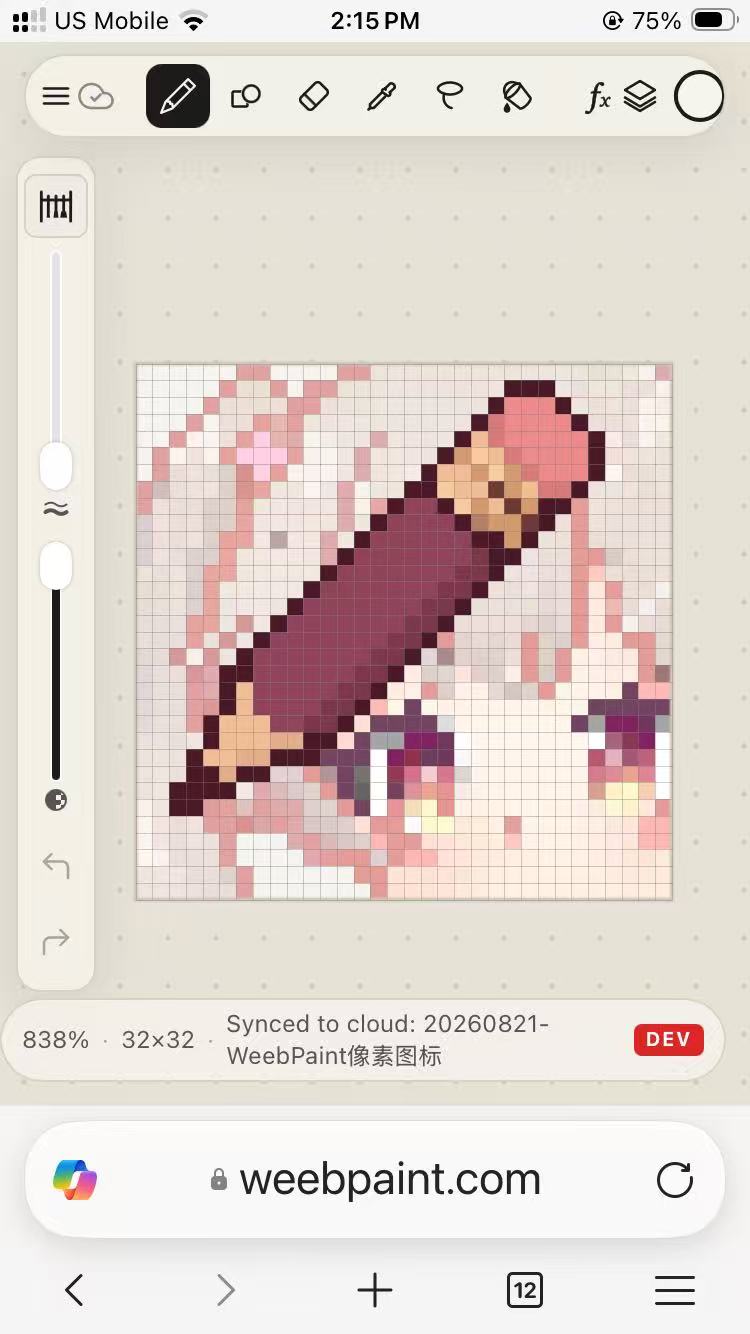
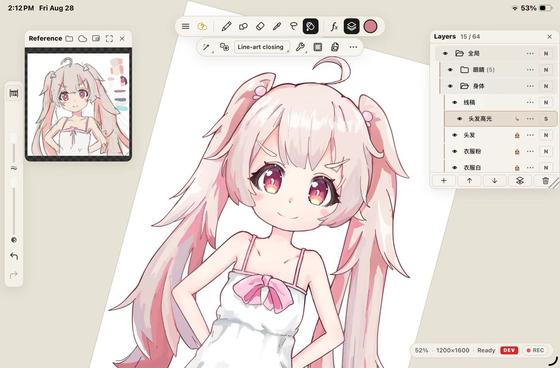
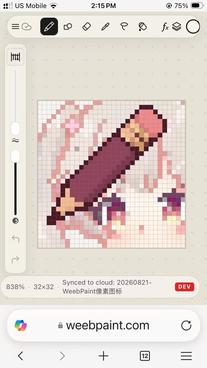
It supports a full anime workflow: layers, smart color fill, transform, masks, liquify, and more. It also handles pixel art, texture painting, and light image editing.
It runs on any device with a WebGL2-capable browser, and is designed to be memory-efficient with compact project files.
Cross-platform
On iPad and Android tablets, a gesture-based, minimalist interface keeps you focused on the art instead of the tech.
On PC, it works with either a pen tablet or mouse and keyboard. And with cloud sync set up, you can doodle on your phone or show off your portfolio anywhere.
Your data stays yours
Point it at a cloud drive (e.g. OneDrive) and your drawings sync to your PC automatically.
As of 20260826: there are some issue with OneDrive at the moment, we are waiting for the cloud provider to fix it
Drawings are saved as .ora files — a plain zip archive under the hood, readable by many open-source image editors.
You can also password-protect your artwork.
Rather than promising "free forever" or "no subscription", we've made WeebPaint open source and self-hostable. Just back up the app and your access to your own creative tools is safe, no matter what happens to a cloud service or to us
Made with WeebPaint
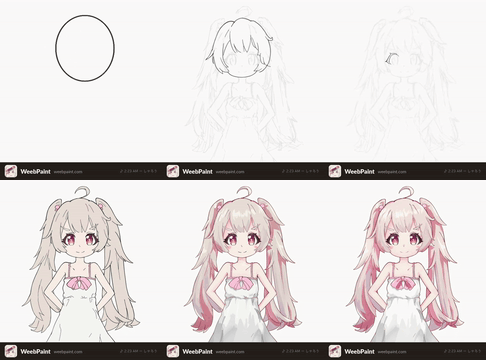
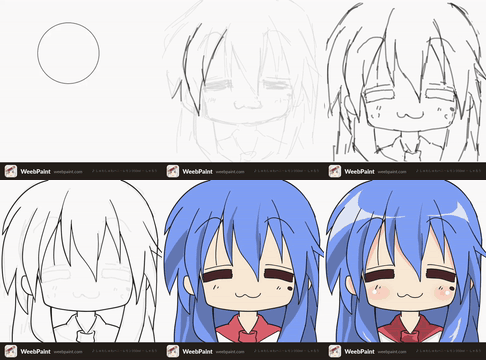

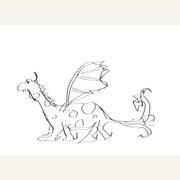
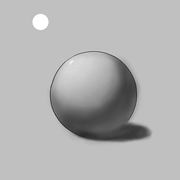





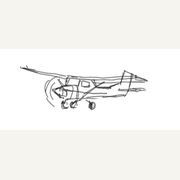
Tech Demo
FAQs and Troubleshoots
No pen pressure on Windows: Enable Windows Ink in your tablet driver (Huion / XP-Pen / Wacom panel), then fully restart the browser
Install on your device for offline use: Open https://weebpaint.com/ in the browser, find "Add to Home Screen" (iOS), "Install WeebPaint" (Windows), "Add to Dock" (Mac). Or press "Install WeebPaint" in the app's settings menu.
More Information
- Platforms: HTML5, installable PWA
- Author: fangzhangmnm
- Languages: English, 日本語, 中文, toki pona
- Inputs: stylus, touch, mouse, keyboard
- License: MIT
- Official Website: https://weebpaint.com/
- Github Repo: https://github.com/fangzhangmnm/weebpaint
- Bug Report and Feature Request: https://github.com/fangzhangmnm/weebpaint/issues
Download
Click download now to get access to the following files: